3.1.4 |
Administration area |
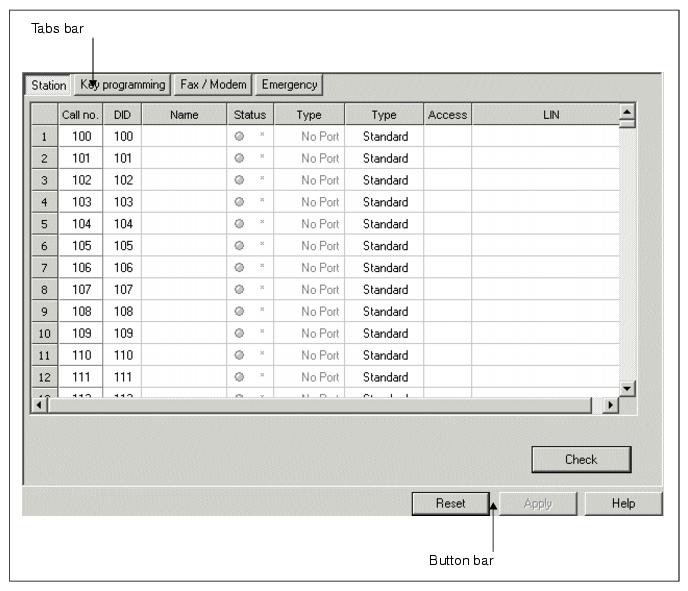
| The Administration area displays the dialogs in which settings for the communication system can be made. A detailed list of the communication systems supported by HiPath 3000 Manager can be found by selecting Help/About...). |
|
|
Tabs bar |
| The tabs can be used to switch between the dialogs of the respective functions. You can also open the individual tabbed pages directly via the Toolbar (see also Section 3.1.2 "Toolbar") or the Navigation tree (see Section 3.1.3 "System View/Net View and Station View"). |
Button bar |
|
| HiPath 3000/5000 V9, Manager E, Administrator Documentation, Issue 10 | up  |
|
 |
||
| Disclaimer & Copyright | ID: P31003H3590M1000176A9 | 2014-03-03 |
